1.8 - User Interfaces
⭐ +190 XP- ✓Discuss the relative merits of the various types of user interface.
- ✓Distinguish between command-line, menu-driven, graphical user, and touch interfaces.
- ✓Identify hardware that supports each interface type.
- ✓Match a user interface to a suitable application.
⏱ 0 mins🎯 38 marks
Engage
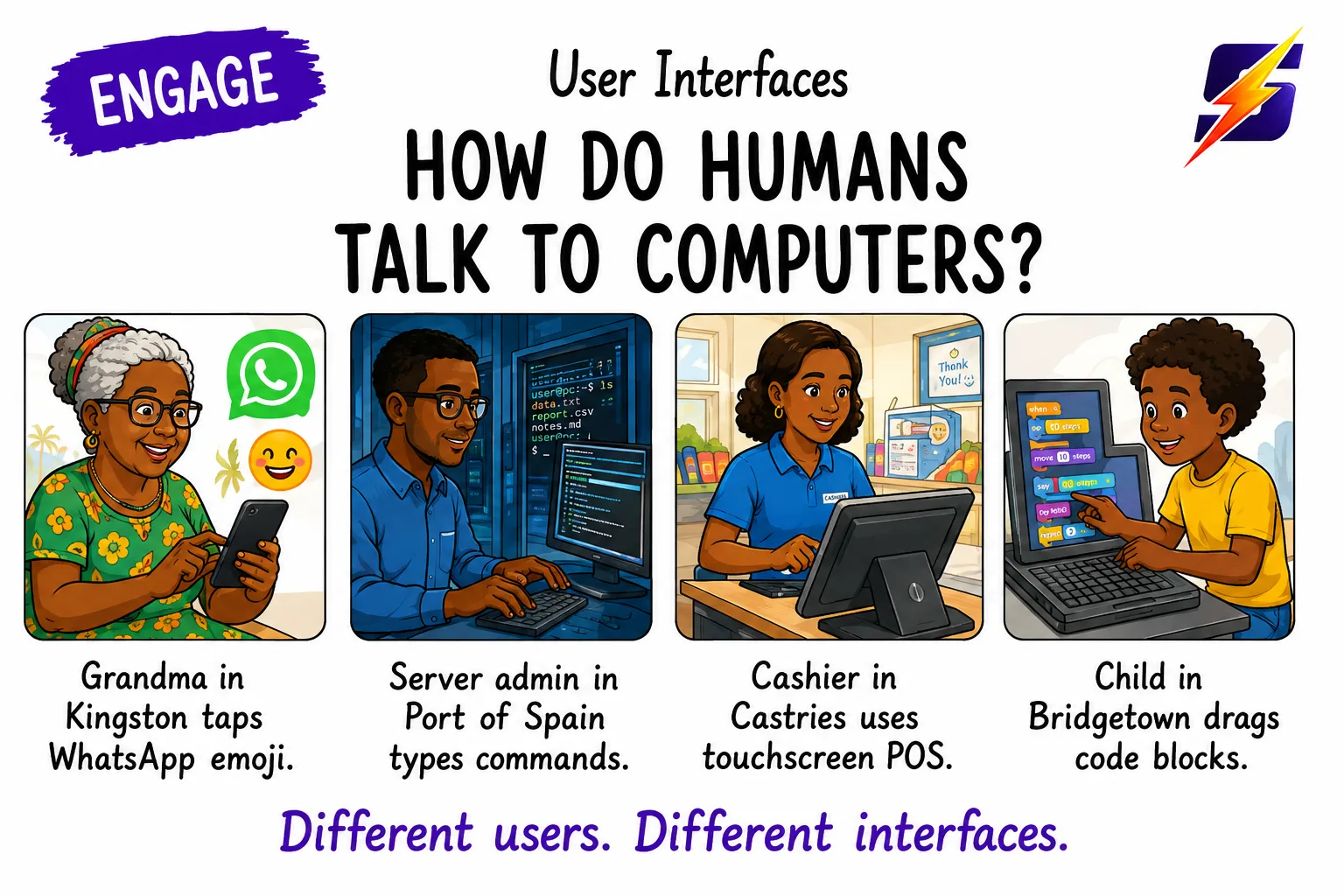
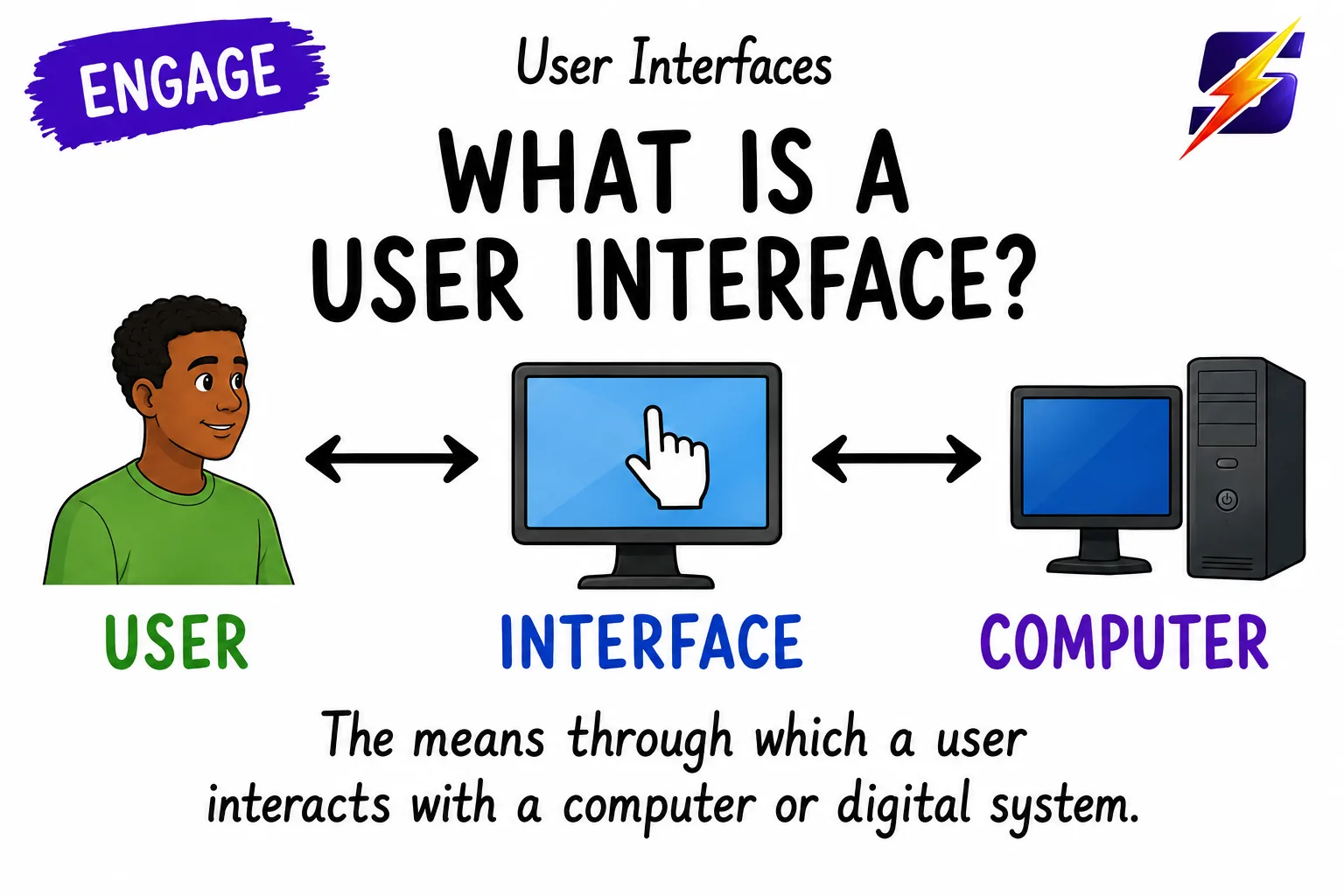
Your grandmother taps emojis on WhatsApp; a server admin in Port of Spain types Linux commands at midnight; a cashier in Castries navigates a touch-screen menu; a child in Bridgetown drags blocks of code. All four are 'talking' to computers, but in COMPLETELY different ways. This lesson decodes the four main ways humans speak to machines.
1 / 5
← swipe to move between steps →
0%
Lesson progress0 / 38 marks
✓ 0 correct✕ 0 mistakes0 / 26 answered
Let's get started, you've got this! 💪