1.10 - Troubleshooting Basic Hardware Problems
⭐ +230 XP- ✓Troubleshoot basic computer hardware problems.
- ✓Diagnose cable, monitor, printer and battery issues.
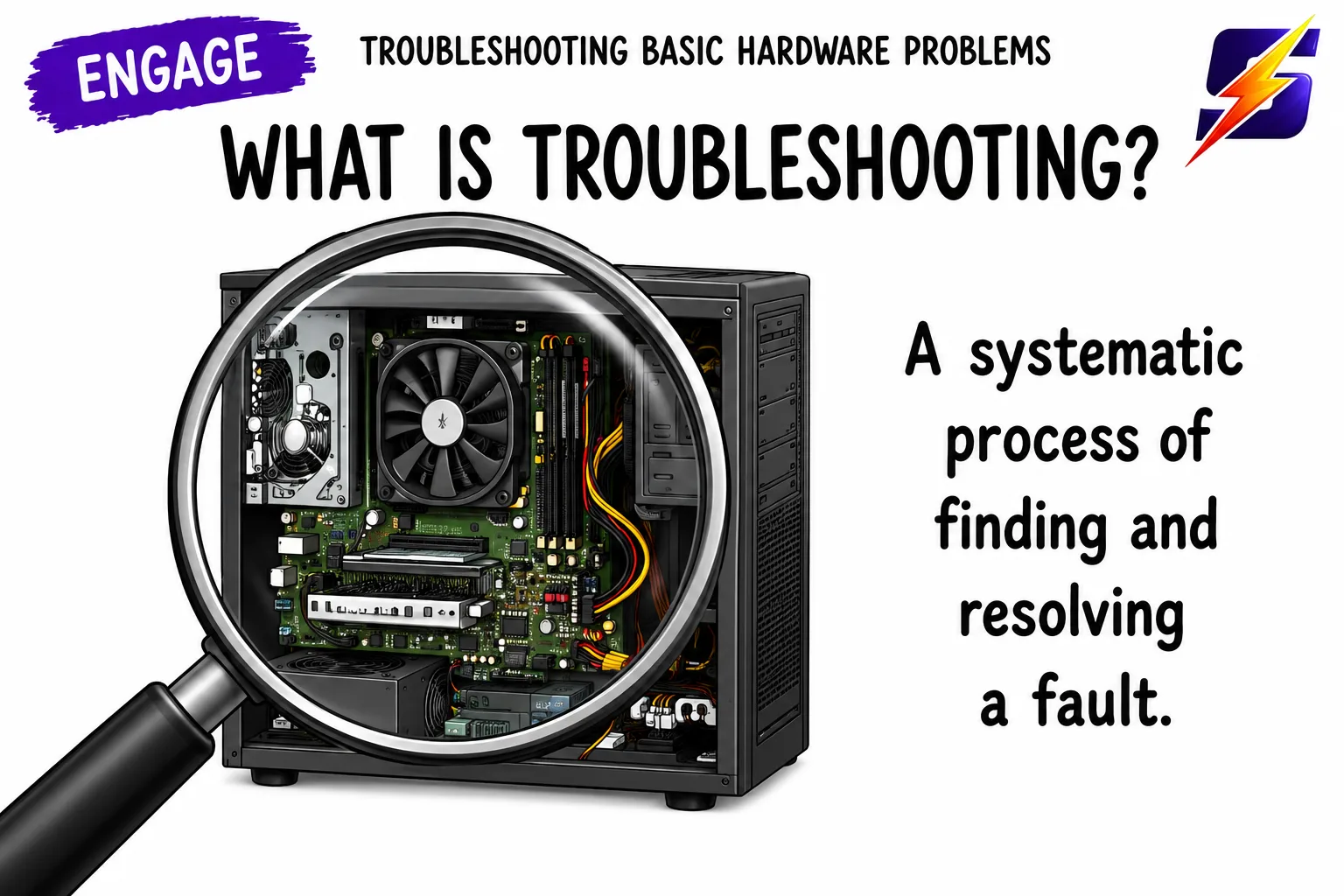
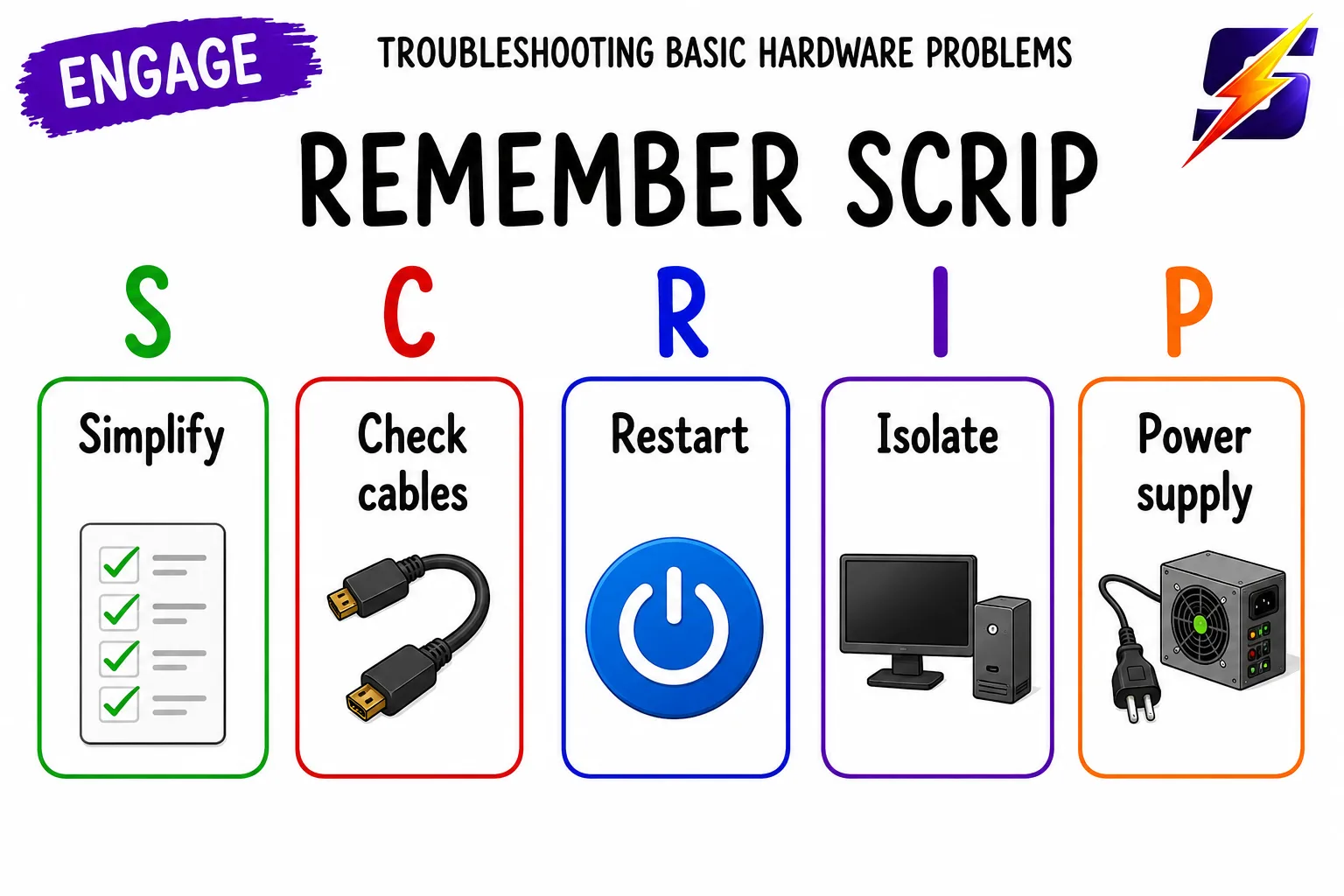
- ✓Apply a systematic process to identify the cause of a fault.
- ✓Recommend appropriate fixes for common faults.
⏱ 0 mins🎯 46 marks
Engage
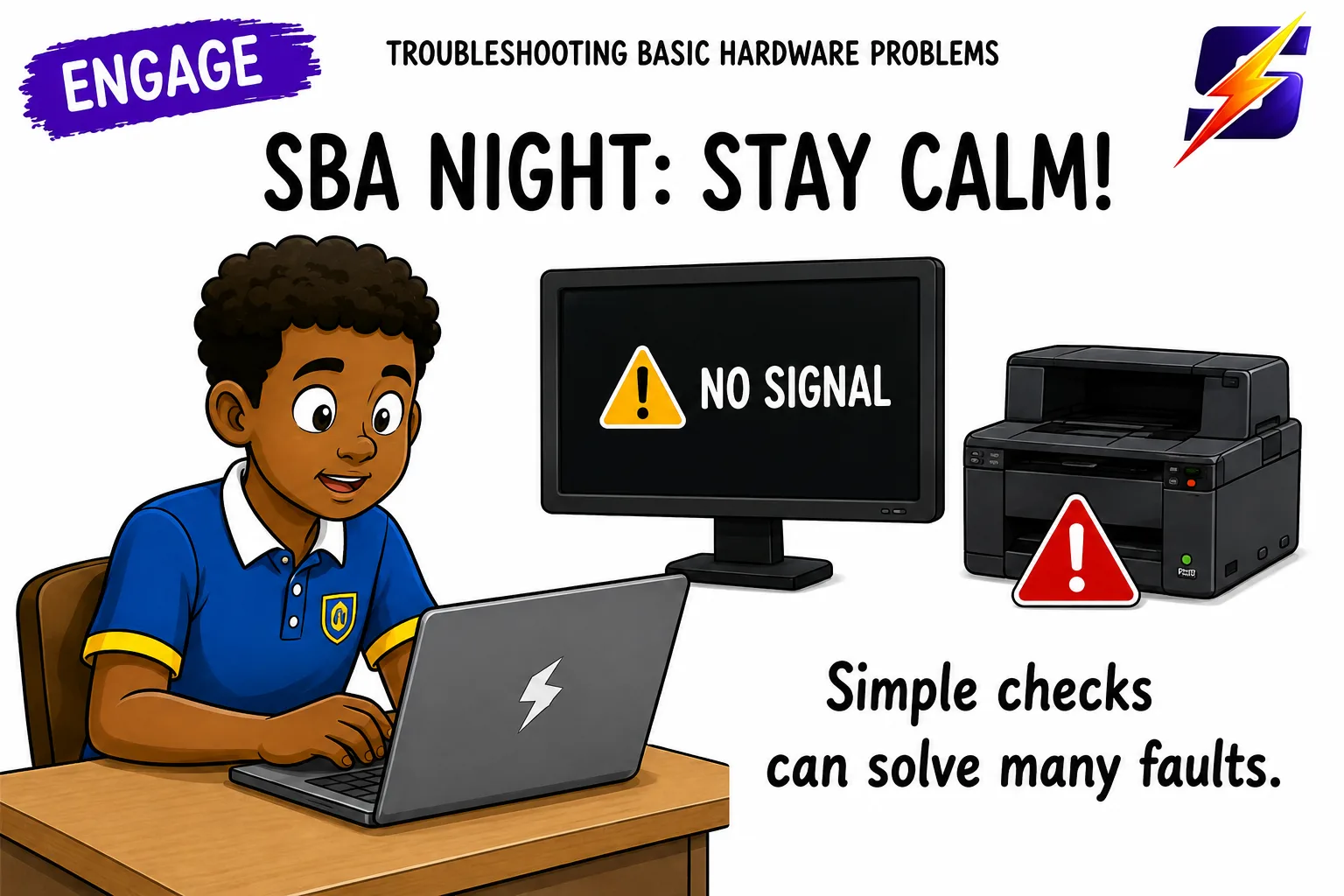
It's Sunday night and your SBA is due Monday morning. Your monitor is dark, the printer rejects paper, and your laptop suddenly dies. Panic? Not if you know how to troubleshoot. A few simple checks fix 80% of all Caribbean classroom and home computer problems.
1 / 5
← swipe to move between steps →
0%
Lesson progress0 / 46 marks
✓ 0 correct✕ 0 mistakes0 / 28 answered
Let's get started, you've got this! 💪